Service AR for Furniture
Back to top

View in my room augmented reality for your furniture website

Start a project

A "view in my room" button on your own product pages. The shopper sees the sofa, bed or table at its real size in their home, through their phone.

Service

A shopper looking at a sofa online cannot tell from photographs whether it will fit their room. Augmented reality shows them. They tap "view in my room" on your product page, and the sofa stands on their own floor at its real size.

Large shopping apps have made buyers expect this. We set it up on a furniture or decor brand's own website, so the shopper uses it on your product page, beside your photographs and your price. Nothing is installed, and it works on iPhone and Android. There is a live demo on our home page: two chairs, a framed artwork, a sculpture and a vase that you can place in your own room now.

What you get

  • 01

    At true size

    Each piece is modelled to its real dimensions. The shopper sees whether the sofa fits the wall and leaves room to walk past.

  • 02

    On the floor or on the wall

    Sofas, beds, tables and chairs stand on the floor. Mirrors, art, shelves and wall lights are placed on the wall.

  • 03

    On your own product page

    The button sits beside your photographs and your price. The shopper does not leave your site to use it.

  • 04

    Nothing to install

    The phone's own AR viewer opens the piece: Quick Look on iPhone, Scene Viewer on Android.

  • 05

    A QR code for showroom and print

    The same piece opens from a QR code on a showroom tag or a catalogue page. See AR QR codes.

  • 06

    Fabrics and finishes

    Each fabric or wood finish you want in AR is prepared as a variant of the same model.

Work like this

Furniture and furnished interiors from the studio.

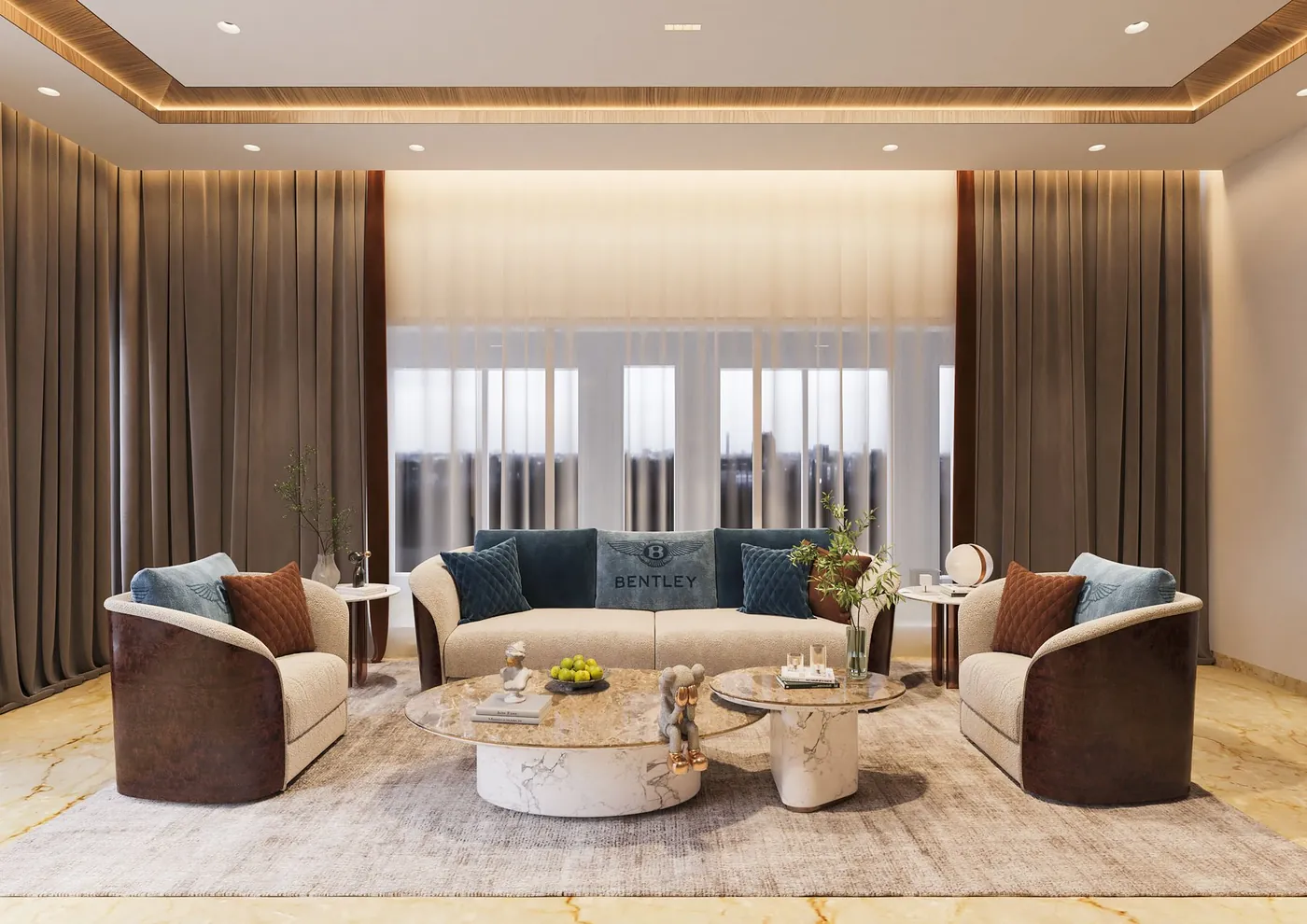
A lounge in an Aurum private home, 3D interior render Private Homes — AurumInterior rendering & visualisation
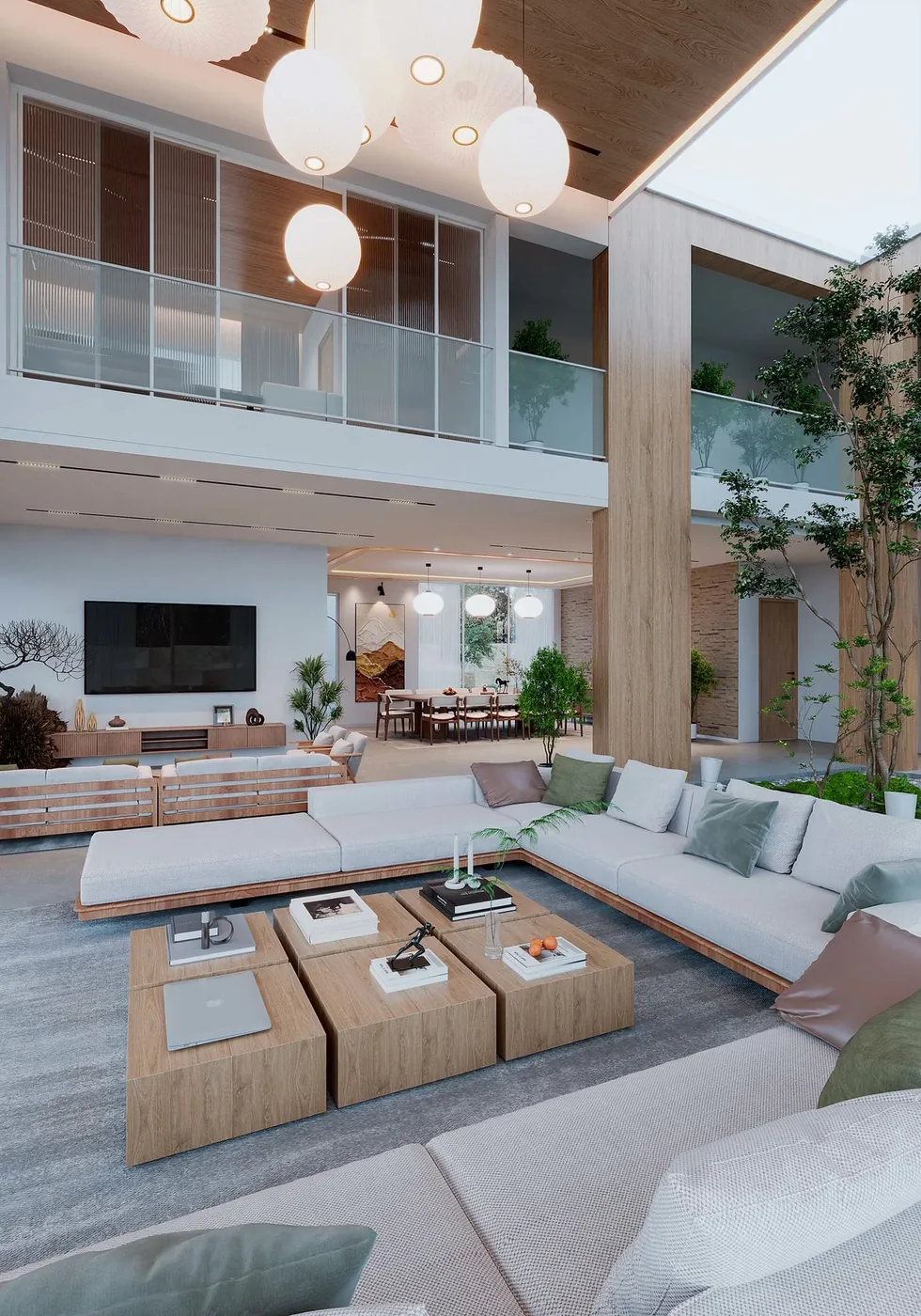
Living room of a luxury apartment by day, interior visual for Arkade Builders Luxury Apartment — Arkade BuildersInterior ideation

What the shopper does

On a phone, the shopper opens the product page and taps "view in my room". The camera opens. They point it at the floor where the piece would go, and the piece appears there. They can slide it against the wall, turn it and walk around it. They see whether it clears the door, the window and the furniture they already own.

On a laptop, the page shows a QR code in place of the button. The shopper scans it with a phone and carries on from there. No account, sign-up or app is involved at any point.

This is what augmented reality furniture placement means in practice: one piece, at its true size, in the room it is meant for. Some sites label the button "AR view" or "see it in your room". The wording on your site is yours to choose.

Which furniture suits AR

Start with the pieces that are returned or asked about most, and add more once you can see how shoppers use the feature. AR adds little for small accessories that fit anywhere, and for products sold mainly on feel, such as mattresses and cushions.

It is most useful where size and fit decide the sale. These are the usual pieces.

  • Sofas, sectionals and recliners
  • Beds and wardrobes
  • Dining tables and chairs
  • Desks, shelving and storage
  • Rugs, mirrors, wall art and lighting
  • Outdoor furniture

What we need to model your furniture

If you already have 3D models from your factory or from earlier renders, send them. We can usually use them as the base.

Every piece is modelled accurately before it goes into AR, because a shopper will measure their room against it. This is what we ask for.

  • The dimensions of each piece: width, depth, height and seat height
  • Factory drawings or CAD, if they exist
  • Photographs of each piece from all four sides and from above
  • Close-up photographs or swatches of each fabric, wood and metal finish
  • For modular pieces, the units and the configurations you sell
  • The website platform your store runs on

Renders and AR from the same model

The model we build for AR is also the model for your catalogue images. The detailed version is rendered as cut-outs on white and placed in room sets. The light version goes into AR. A furniture brand that orders both pays for the modelling once.

See furniture rendering for the images. If your site also needs the piece to turn in the browser, the AR model already does that on the product page.

How AR for furniture is priced

We quote per model, which for furniture means per piece. One piece is one 3D model, delivered as a GLB file for Android and the web and a USDZ file for iPhone. The charge for a piece depends on its shape, its upholstery and detailing, and the reference you can supply. A plain console table is much less work than a tufted sofa.

Each extra fabric or finish adds a smaller piece of work to the first model. A range that shares frames, legs or fabrics costs less per piece than unrelated products, because the shared parts are built once. The set-up of the viewer and the button on your site is quoted once per project.

There is no app to build, so there is no app development cost. Tell us the number of pieces and variants, and we send a quote with a schedule.

How it runs

  1. 01

    Choose the pieces

    You pick the pieces and finishes to start with, and send dimensions and photographs.

  2. 02

    Model

    We model each piece at real size. You check the shape first, then the fabric and finish.

  3. 03

    Prepare for phones

    Each model is reduced and compressed, then exported as GLB and USDZ.

  4. 04

    Add the button

    The viewer and the "view in my room" button go onto your product pages.

  5. 05

    Showroom codes

    If you want them, we supply a QR code for each piece, for tags and print.

Questions

How can I see furniture in my room before buying?

On a website with AR, open the product page on your phone and tap "view in my room". The camera opens and the piece appears on your floor at its real size. The demo on our home page works this way.

Do my customers need to download an app?

No. The piece opens in the AR viewer that is already on the phone. Your customer taps the button on your product page and nothing else.

How much does augmented reality for a furniture website cost?

It is quoted per piece, and the viewer on your site is set up once. A plain table costs less to model than an upholstered sofa, and each extra fabric or finish adds to it. There is no app development cost.

Is the furniture shown at its true size?

Yes. We model each piece to the dimensions you give us, and the phone places it at that size. A shopper can check it against a wall, a doorway or the furniture they already own.

How do I add AR to my furniture website?

You need a GLB and a USDZ file for each piece and a viewer on the product page. We make the files and supply the viewer. Our guide to adding AR to a furniture website explains each step.

Can shoppers change the fabric or colour in AR?

They choose the fabric on your product page, and the AR button opens the model for that fabric. Each fabric or finish shown in AR is a separate variant that we prepare.

Does it work for wall art, mirrors and rugs?

Yes. Wall pieces are placed on a wall at their real size. A rug is placed flat on the floor. Tell us which pieces go on a wall when you send the list.

Keep going

Get in touch

Send the pieces you want to start with and their dimensions. We reply with a quote per piece.