Guide Adding AR to a Furniture Website
Back to top

How to add AR to a furniture website and how "view in your room" works

Start a project

A shopper taps a button on the product page and the sofa appears in their room at its real size. No app is installed.

Guide

To add AR to a website you need a 3D model of each product in two file formats, a viewer on the product page, and a button. The shopper taps the button and the phone's own AR viewer places the piece in the room. No app is installed.

AR stands for augmented reality: a 3D object shown through the phone camera as if it were standing in the room. Shoppers know it as "view in your room" or "view in my room". On a website it uses features already built into iPhone and Android phones. This guide explains the parts, what a store owner has to provide, what can go wrong, and when it makes sense to have a studio build the models. You can try it on the live AR demo on our home page.

In short

  • 01

    Two files per product

    A GLB file for Android and for the 3D view in the browser, and a USDZ file for iPhone.

  • 02

    A viewer on the page

    The open-source model-viewer component shows the model on the product page and adds the AR button.

  • 03

    The phone does the AR

    iPhone opens the model in Quick Look. Android opens it in Scene Viewer. Neither has to be installed by the shopper.

  • 04

    True size comes from the model

    The piece appears at its real size only if the model was built to its real dimensions.

  • 05

    A QR code for desktop

    A shopper on a computer scans a code with their phone and carries on there.

  • 06

    Light files

    Models must be small enough to load on mobile data, or the shopper leaves before the piece appears.

Seen in practice

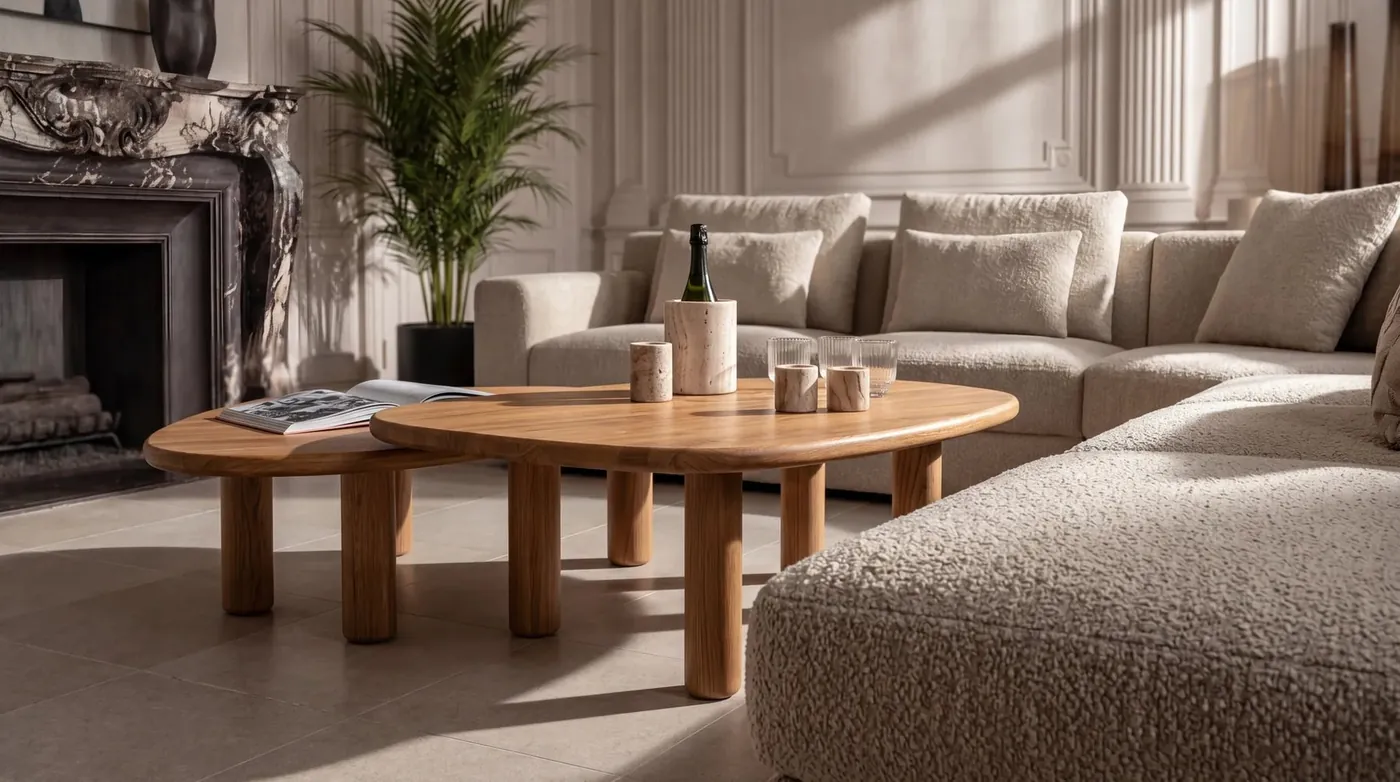
Furniture and product visuals from the studio. The live AR demo is on the home page.

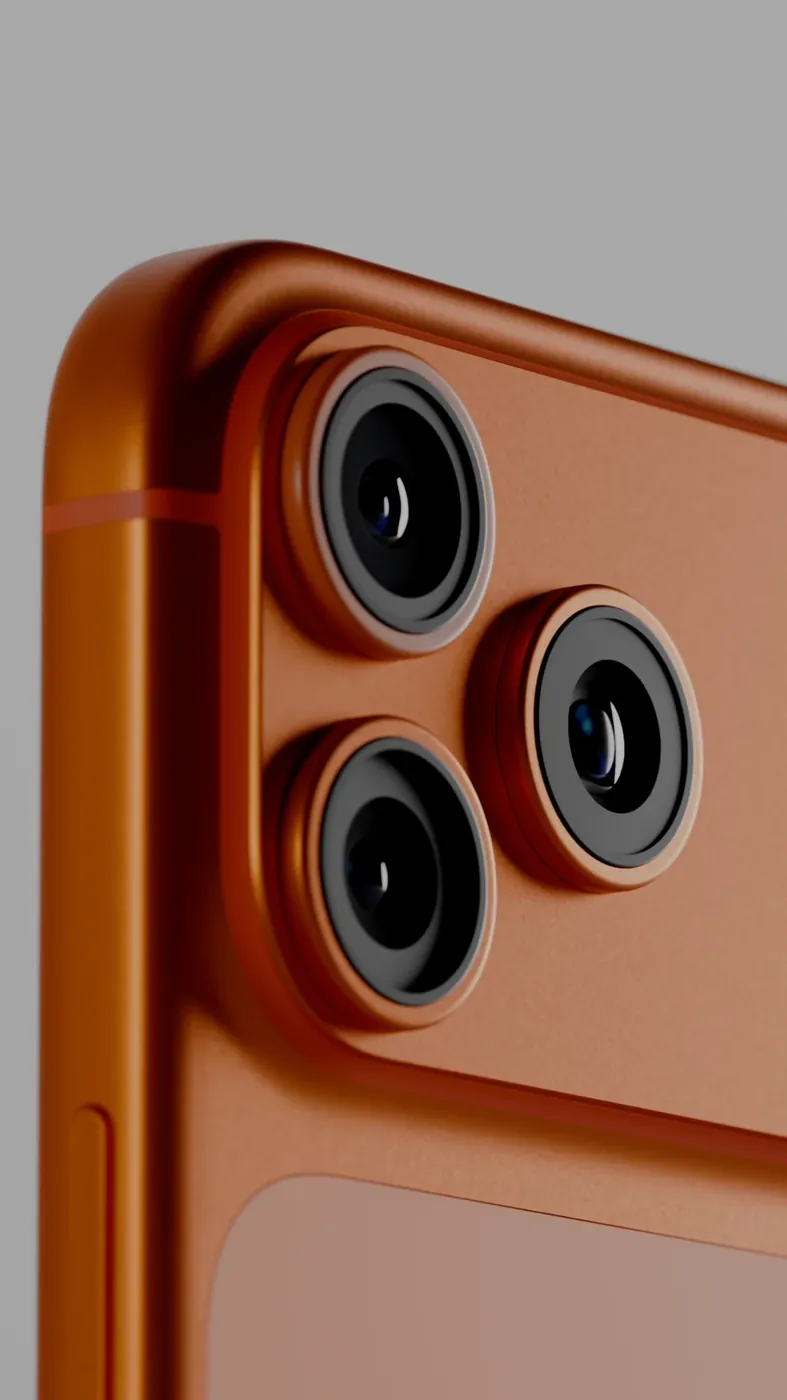
3D product render of a phone on an orange set Product Image RendersHero stills & packaging visualisation

How view in your room works

The product page shows a 3D model of the piece that the shopper can turn with a finger. Beside it is a button, usually labelled "View in your room". When the shopper taps it, the phone opens its camera, finds the floor and places the model there. The shopper walks around it, moves it against a wall, and sees whether it fits.

Nothing is downloaded from an app store. The website hands the 3D file to an AR viewer that is already part of the phone. This is what is meant by web AR, or AR without an app. Our web AR page describes the service.

The two file formats: GLB and USDZ

A GLB file is a 3D model in a single file: the shape, the materials and the textures together. Web browsers can display it, and so can the AR viewer on Android. USDZ is the AR format for iPhone and iPad. The two hold the same model in different formats, so each product needs both.

Both come from one source model. The model is built once, checked, and then exported twice. If you already have 3D files from your manufacturer or designer, they can often be used as the starting point. CAD files made for production are usually far too heavy for a phone and have to be rebuilt.

The viewer, Quick Look and Scene Viewer

The viewer on the page is a small piece of code. The one we use is model-viewer, an open-source component that displays the GLB, lets the shopper turn it, and shows the AR button on phones that support AR. When the button is tapped, it passes the right file to the phone. On iPhone that opens Quick Look. On Android it opens Scene Viewer. People who search for AR Quick Look on Android are looking for Scene Viewer, which does the same job there.

Some Android browsers can also show AR inside the web page itself, through a browser feature called WebXR. The viewer uses whichever the phone supports.

iPhone and iPadAndroid
File usedUSDZGLB
AR viewerQuick LookScene Viewer
App to installNoneNone
PlacementFloor or wallFloor or wall
Works oniPhones and iPads that support ARAndroid phones that support AR

True size, and floor or wall

AR is only useful for furniture if the size is right. The phone measures the room through its camera and places the model at the dimensions stored in the file. If the model was built to the real width, depth and height of the piece, the shopper sees how much of the room it takes up. If the model was built by eye, the AR view will be wrong, and the shopper has no way to know.

Placement is set for each product. A sofa, a table or a bed is placed on the floor. A wall piece, such as a mirror, a shelf or a framed print, is placed on a wall. A mirror that can only stand on the floor looks like a fault, so this has to be set correctly.

The QR code for desktop shoppers

A desktop computer has no AR. When a shopper is on the product page on a computer, the AR button shows a QR code in its place. They point their phone camera at it, the same product opens on the phone, and the AR view starts from there.

The same code can be printed. On a showroom tag, in a catalogue or on packaging, it lets someone see the piece in their own home later. See AR QR codes.

What the store owner needs

Start with the products where size is the buyer's main doubt: sofas, beds, dining tables, wardrobes and large wall pieces. A whole catalogue is not needed to begin.

Store platforms differ in how they accept 3D files and where a viewer can go. Check your platform's current guidance, or ask your developer, before the models are made. This is the checklist.

  • A GLB and a USDZ model of each product, built to real dimensions
  • A model for each variant that differs in shape, and materials for each colour
  • A place on the product page for the 3D view and the button
  • Somewhere to host the files: your own site or a file host
  • A developer, or us, to add the viewer to the page template
  • A still image of each product to show while the model loads

What can go wrong

Models that are too heavy. A file made for rendering can be many times the size a phone can load comfortably on mobile data. The shopper taps, waits and leaves. Models for AR are rebuilt with fewer polygons, which are the small flat faces that make up the shape, with smaller textures, and with Draco compression, which shrinks the shape data in a GLB.

Wrong scale. A model exported in the wrong units appears far too small or far too large. Every model should be opened in AR and checked against a tape measure before it goes live.

A phone that does not support AR. Older phones and some low-cost phones cannot run it. On those, the button should be hidden, so the shopper still gets the 3D view and is never shown a button that does nothing.

When to get a studio to make the models

A store with a developer can add the viewer itself. The models are the harder part. They have to be accurate, light and good to look at, in two formats, and consistent across the range. That is modelling work, and it is what we do.

Ask a studio when you have no 3D files, when your files are production CAD, when a first attempt looks poor on a phone, or when the range is large enough that every model must follow one standard. We build the models, test them on iPhone and Android, and can add the viewer and the QR codes. See AR for furniture.

Questions

How do I add AR to my website?

You need a GLB and a USDZ model of each product, a viewer such as model-viewer on the product page, and an AR button. The phone's own AR viewer does the rest. No app has to be built.

Does AR on a website need an app?

No. iPhone opens the model in Quick Look and Android opens it in Scene Viewer. The shopper only taps the button on the product page.

Do I need separate files for iPhone and Android?

Yes. iPhone uses a USDZ file and Android uses a GLB file. Both are exported from one source model, and the viewer on the page sends the right one to each phone.

How does the phone know the real size of the furniture?

From the model. The phone places it at the dimensions stored in the file, so a model built to the real width, depth and height appears at true size.

Why does view in your room not work on some phones?

The phone may not support AR, the browser may be blocking the camera, or the file may be too heavy to load. A page should hide the AR button on phones that cannot run it and still show the 3D view.

What is the Android version of AR Quick Look?

Scene Viewer. It opens a GLB file in AR on supported Android phones, as Quick Look opens a USDZ file on iPhone.

How much does it cost to add augmented reality to a website?

There is no app to build, so most of the cost is the 3D models. Modelling is quoted per model, and the price depends on how complex each piece is and how many variants it has. Adding the viewer is quoted as part of the project. We quote after a brief.

Will it work on my store platform?

Usually. Platforms differ in how they accept 3D files and where a viewer can be placed, so check your platform's current guidance or ask your developer before the models are made.

Keep going

Get in touch

Send a few product links and their dimensions. We will tell you what the models need and send a quote.