Service AR QR Codes
Back to top

An augmented reality QR code for every product, in print and in the showroom

Start a project

A QR code on a showroom tag, a catalogue page or a box. One scan opens that product on the phone, ready to place in the customer's room. No app.

Service

An AR QR code is a printed code that opens one product in augmented reality. The customer scans it with the phone camera and that product opens, ready to place in their room at its real size. No app is installed.

It takes AR to places where there is no "view in your room" button to tap: a showroom floor, a printed catalogue, a brochure, an exhibition stand, the side of a box. The customer scans the code in the showroom, or at home from the catalogue, and places the product where it would stand. You can scan the codes on our home page to see what your customer would see.

What you get

  • 01

    One code, one product

    Each code opens a single product directly. The customer does not land on a home page and have to search.

  • 02

    Ready to place

    The product page opens with the AR button in view. One tap starts the camera.

  • 03

    iPhone and Android

    The page gives an iPhone the USDZ file for Quick Look and an Android phone the GLB file for Scene Viewer.

  • 04

    Artwork for print

    Codes are supplied as vector files, so they stay sharp at any size, from a swing tag to a poster.

  • 05

    A code per finish, if needed

    A product in several fabrics can have one code that opens the main fabric, or a code for each.

  • 06

    The model can be updated

    If the product changes, the model at the code's web address can be replaced. The printed code stays as it is.

Work like this

Product, packaging and furniture visuals made in the studio.

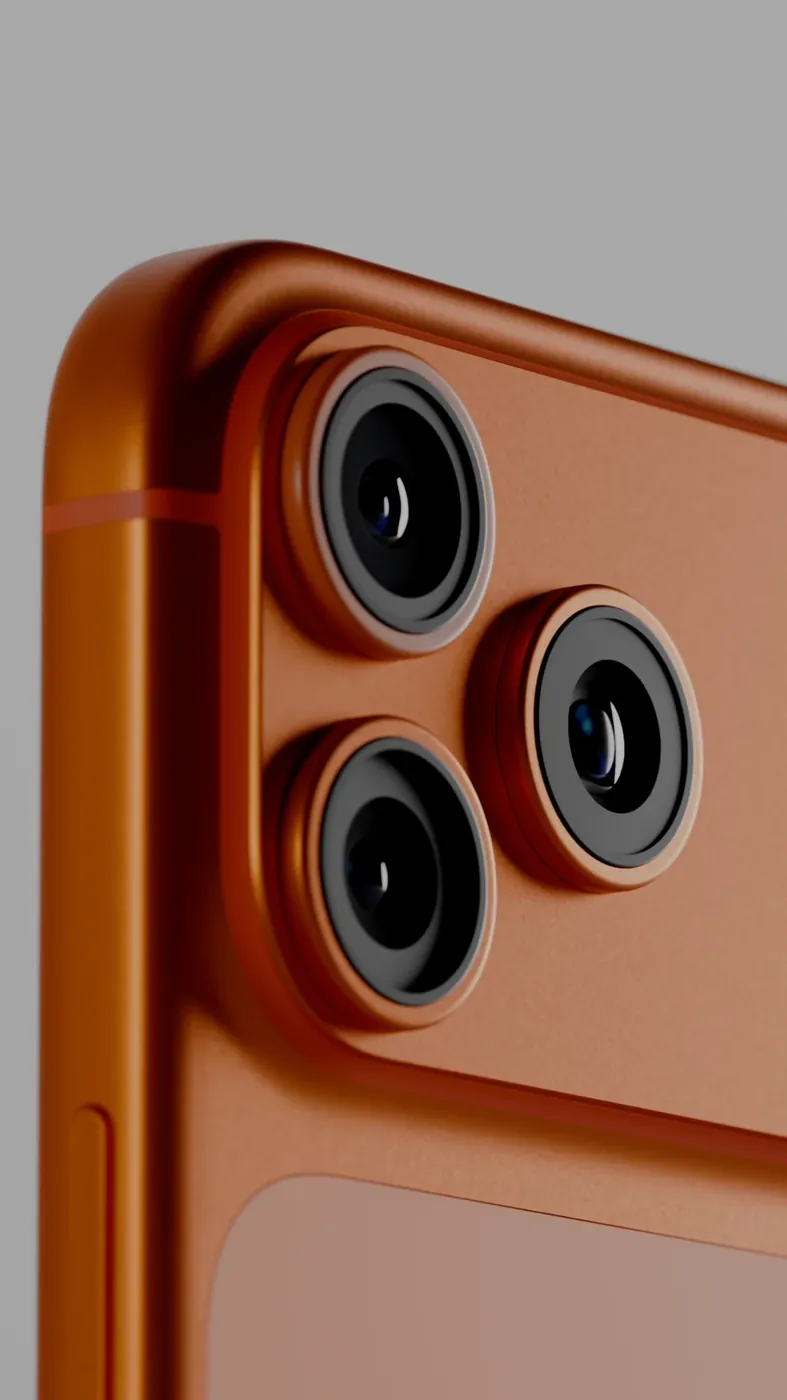
3D product render of a phone on an orange set Product Image RendersHero stills & packaging visualisation
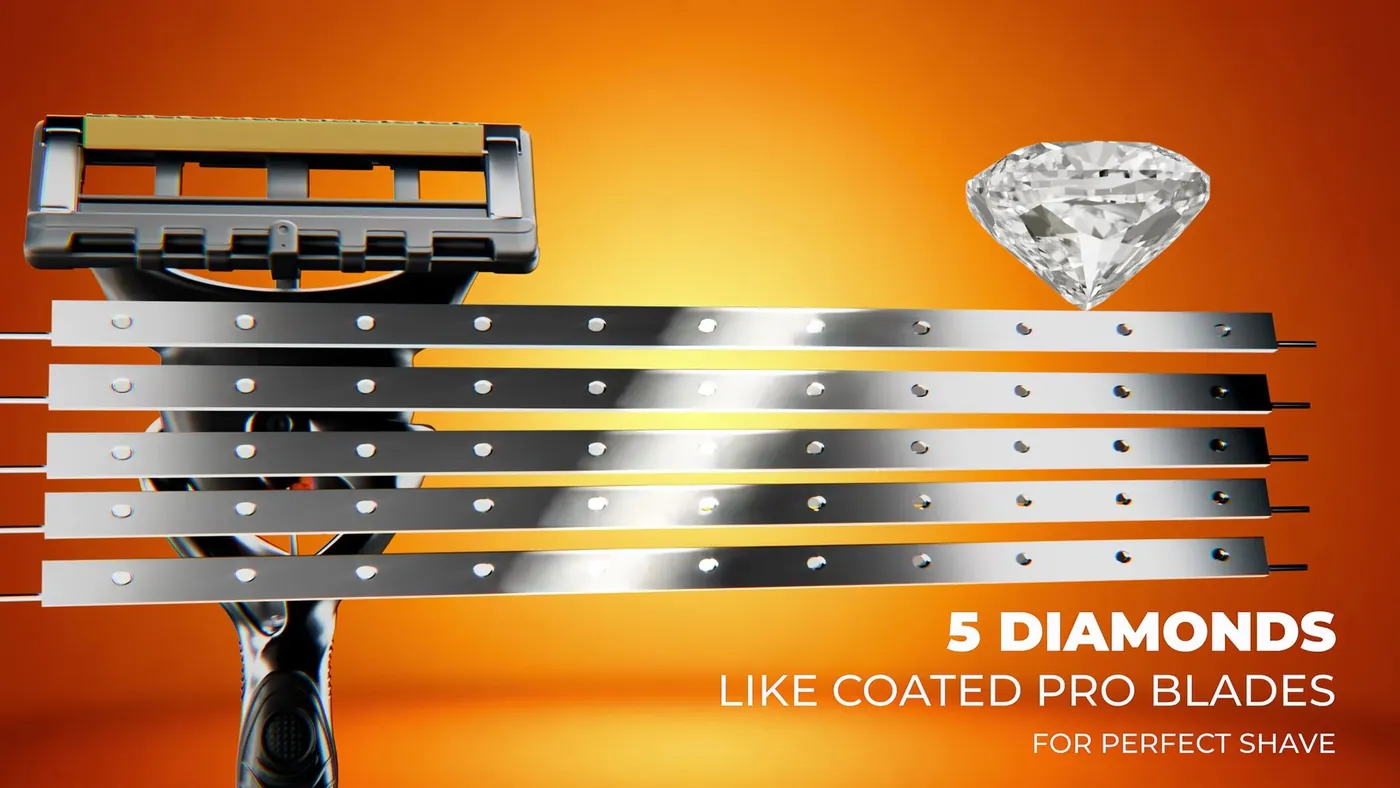
Macro 3D render of the Gillette Fusion 5 razor head Gillette Fusion 5 — Product Film3d product rendering — hero campaign loop

Where AR QR codes are used

A QR code needs a printed surface and a reason to scan it. These are the common places.

PlaceWhat the code does there
Showroom tagThe customer scans the tag beside a piece and keeps the link. At home, they place the same piece in their own room at its real size
Printed catalogueEach product photograph has a code beside it. This is an augmented reality catalogue: every piece on the page can be placed in the reader's room
Brochure or leafletAn AR brochure for a launch. The reader keeps the leaflet and tries the product later
PackagingThe buyer sees the assembled product at full size before opening the box
Exhibition standProducts too large to bring to the stand are shown at real size on the floor of the hall
Sales visitA salesperson shows the code on a printed sheet, and the client places the product in their own office or home

How the scan works

The code holds a web address for one product. When the phone camera reads it, the browser opens that product's page. The page shows the product as a 3D model with a button to place it. On iPhone the button opens Quick Look. On Android it opens Scene Viewer. The camera view appears, the phone finds the floor or the wall, and the product is placed at its real size.

Nothing in this chain is an app the customer has to install. The camera, the browser and the AR viewer are already on the phone. If someone opens the same address on a laptop, the page shows the QR code again so that they can pick it up with a phone.

Printing the code: what to get right

A printed code works only if a phone can read it and the customer knows what it will do. We supply the artwork. Your designer or printer places it.

  • Print it large enough to scan from where the customer stands. A tag held in the hand can carry a small code. A panel read from across a stand needs a much larger one
  • Keep a clear margin around the code
  • Use a dark code on a light, matt background. Gloss lamination and foil can cause glare
  • Put a line of text beside it, such as "Scan to see this in your room"
  • Scan the printed proof with an iPhone and an Android phone before the full run
  • Keep the web address unchanged after printing

When a QR code is the right choice, and when it is not

Use a QR code where the customer is looking at something physical: a tag, a page, a box, a stand. A link cannot be tapped there, and a code can be scanned.

On your website, a customer on a phone needs a button. A phone cannot scan a code shown on its own screen. Our web AR set-up shows the button on phones and the QR code on laptops, so both cases are covered.

The code is the last step of the work. Most of the work is the 3D model behind it, which has to be built to the product's real dimensions for the size in the room to be right. See 3D product modelling.

How AR QR codes are priced

The QR code itself is a small part of the job. The cost is in the 3D model each code opens. We quote per model: one product in GLB and USDZ, with its page and its code. What a model costs depends on the product's shape and detail, on the reference material and on the number of finishes.

If the products are already modelled, for AR on your website or for renders, codes for print are little extra work. Tell us how many products need a code and where the codes will be printed, and we send a quote.

How it runs

  1. 01

    Products and placements

    You tell us which products need codes and where the codes will be printed.

  2. 02

    Models

    We model each product at real size, or optimise the 3D files you have.

  3. 03

    Pages and codes

    Each product gets its own page and a QR code that opens it.

  4. 04

    Artwork

    You receive the codes as vector files for your designer or printer.

  5. 05

    Proof

    Scan the printed proof on both kinds of phone before the full print run.

Questions

How does an AR QR code work?

It is an ordinary QR code that holds the address of one product's AR page. Scanning it opens that page in the phone's browser. One tap on the page opens the phone's AR viewer, which shows the product in the room at real size.

How do I create an augmented reality QR code?

You need three things: a 3D model of the product in GLB and USDZ, a web page that shows it with an AR button, and a QR code that holds the address of that page. We make all three.

How much does an AR QR code cost?

The price is for the 3D model behind the code, quoted per model. It depends on the product's complexity, your reference material and the number of variants. Codes for products that are already modelled add little work.

Does the customer need an app to scan it?

No. The phone camera reads the code and the browser opens the product. Quick Look on iPhone and Scene Viewer on Android show it in AR. All of these come with the phone.

Can one catalogue have a code for every product?

Yes. Each product has its own code beside its photograph. We supply every code as a separate file, named by product, so your designer can place them.

What happens if the product changes after the codes are printed?

The code holds a web address. As long as that address stays the same, the model behind it can be replaced and the printed code keeps working.

How big should the printed code be?

It depends on the scanning distance. A code on a swing tag is scanned from close up and can be small. A code on a wall panel is scanned from further away and has to be much larger. Try a printed proof first.

Keep going

Get in touch

Tell us which products need a code and where it will be printed. We reply with a quote.