
Guide GLB vs USDZ vs FBX
Back to top

GLB, USDZ or FBX? which 3D file format each use needs

Start a project

A 3D model is one object and several files. GLB is for browsers and Android, USDZ is for iPhone, FBX is for game engines. This guide explains why, and what to ask a studio to deliver.

Guide

GLB is the 3D file for web pages and Android AR. USDZ is the file iPhone and iPad use for AR. FBX is the file game engines and animation tools exchange. One model is usually delivered as two or three, exported from one source so they match.

This guide is for a buyer deciding what to ask for. It explains what each format carries, where it opens, where it fails, and which combination a website, an AR product page or a game needs. It also covers OBJ and .blend, which turn up in deliveries. Every model in our library ships in all five, and the GLB and USDZ versions can be tried on the 3D modelling section. If you have files in the wrong format, GLB and USDZ conversion is the service.

In short

  • 01

    GLB: the web file

    One file with the mesh, materials and textures inside. Browsers display it and Android phones open it in AR.

  • 02

    USDZ: the iPhone file

    Apple's AR format. Quick Look opens it on iPhone and iPad with nothing to install. Needed beside the GLB for AR on both phones.

  • 03

    FBX: the engine file

    Carries meshes, materials, UVs, LODs and animation. Unity and Unreal import it, so it is the usual game delivery.

  • 04

    OBJ: the plain exchange

    Mesh and UVs with simple materials. Opens almost anywhere, carries little, and is useful as a neutral copy.

  • 05

    .blend: the source

    The working file from Blender, with everything in it. Ask for it when you want to be able to edit later.

  • 06

    Same source, several exports

    Ask for every format to be exported from one cleaned model, so the sizes and colours match everywhere.

Seen in practice

Products the studio has modelled for films; the library delivers each one in GLB, USDZ, FBX, OBJ and .blend.

American Tourister suitcase, frame from the 3D product film American Tourister — Suitcase3d product film — suitcase animation
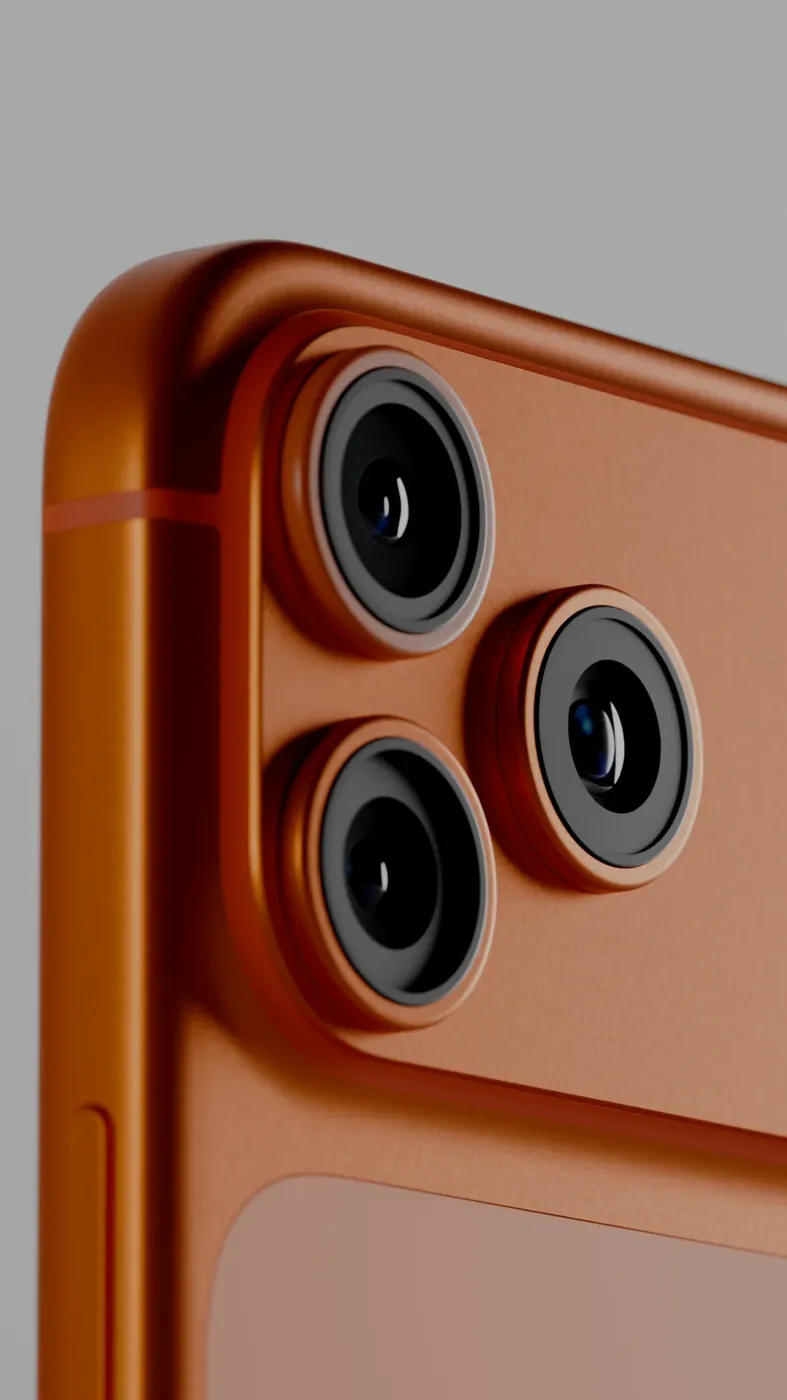
3D product render of a phone on an orange set Product Image RendersHero stills & packaging visualisation

The short answer, by use

Decide by where the model will be seen. Each use has one format it needs, and some need two.

Where the model is usedFormat neededWhy
Turning on a web pageGLBBrowsers display it directly, in a viewer such as model-viewer
AR on AndroidGLBScene Viewer opens it from a web page
AR on iPhone and iPadUSDZQuick Look opens it; iPhone does not open GLB in AR
AR on both kinds of phoneGLB and USDZEach phone needs its own file; the page serves the right one
A game in Unity or UnrealFBXBoth engines import it with materials, LODs and animation
A real-time walkthroughFBXBuilt in Unreal Engine, so the same as a game
Renders and films.blend or FBXThe render tool needs the full-detail source
Editing later, or a neutral archive.blend and OBJThe source for changes, and a plain copy that opens anywhere

GLB in detail

GLB is the binary form of glTF, an open format designed for the web. Everything is in one file: the mesh, the PBR materials, the textures and any animation. That single-file packaging is why it travels well; nothing is left behind on a server.

Browsers display it with a small viewer component, and Android phones open it in AR through Scene Viewer. The mesh can be compressed with Draco so the file loads faster on mobile data, as long as the viewer supports it. Its limits are a plain PBR material model, which means complex render materials have to be rebuilt before export, and a file size that must stay small for phones.

USDZ in detail

USDZ is the format iPhone and iPad use for AR. It is a single file too, with textures inside, and Quick Look opens it straight from a web link or a QR code with nothing to install. It is strict about materials and expects dimensions in metres, so a model converted carelessly opens at the wrong size or loses its finish.

An iPhone will not open a GLB in AR, which is why any product page offering AR to all shoppers needs both files. The right way to make a USDZ is to export it from the same cleaned source as the GLB, so that the two match.

FBX in detail

FBX is the exchange format game engines and animation tools have used for years. It carries meshes, UVs, materials, LODs, collision meshes and animation, and Unity and Unreal Engine import it directly. It is the normal delivery format for game assets and for real-time walkthroughs. Textures usually travel as separate image files beside it, which is why a delivery is a folder rather than a single file.

FBX has no fixed rules about units or which axis is up, so an export has to be set for the engine it is going to and then checked by importing it. Our page on 3D models for Unity and Unreal covers that setup.

OBJ and .blend, and when to ask for them

OBJ is older and simpler. It carries the mesh and UVs with a basic material file, and almost every 3D program can open it. It carries no PBR materials, no LODs and no animation, so it is a neutral copy rather than a delivery format. Ask for it as an archive.

.blend is the working file from Blender, the tool we model in. It holds everything, including the full-detail source and the material setups. Ask for it when you may want the model changed later by us or by anyone else working in Blender. It is a source file rather than a delivery for an engine or a web page; those get FBX, GLB and USDZ exported from it.

What to ask a studio for

Name the uses, and the formats follow. A sensible delivery for a product that will appear on a web page and in AR is GLB and USDZ, with the dimensions confirmed and both files opened on a phone before they are sent. For a game, it is FBX with textures, set up for the engine and version named, and imported there as a check. Add .blend if you want to edit later and OBJ if you want a neutral archive. Ask that all of them come from one cleaned source, and that the delivery note covers the points below.

  • The uses: web, AR on which phones, which engine, renders
  • The formats for each use, exported from one source
  • The unit and the real dimensions, written in the delivery note
  • Which phone and which engine each file was opened in before delivery
  • Whether the GLB is Draco-compressed, and whether your viewer supports it
  • Texture sizes per format, since web files should be lighter than engine files

Questions

What is the difference between GLB and USDZ?

Both are single-file 3D formats for AR. GLB opens in browsers and on Android phones; USDZ opens on iPhone and iPad. A product page offering AR to everyone needs both, exported from the same source so they match.

Is GLB or FBX better for games?

FBX. Unity and Unreal import it with materials, LODs, collision and animation. GLB is designed for the web and suits a browser or Android AR.

Can an iPhone open a GLB file?

Not in AR. Quick Look, the AR viewer on iPhone and iPad, opens USDZ. A GLB will display in a web viewer in an iPhone's browser, and placing it in the room needs the USDZ.

Can I convert FBX to GLB and USDZ?

Yes, and it is a common job. The scale, pivot, materials and textures have to be checked and often fixed, because a straight conversion loses materials or opens at the wrong size. Both files should be exported from the cleaned source.

What is OBJ used for?

As a plain, widely readable copy of the mesh and UVs. It carries no PBR materials, LODs or animation, so it is an archive or an exchange file rather than a delivery for a web page or an engine.

Should I ask for the .blend file?

If you may want the model changed later, yes. It is the working source with everything in it. For a web page or an engine you still need the GLB, USDZ or FBX exported from it.

Which format does a marketplace or AR platform want?

Each publishes its own requirements, usually GLB, USDZ or both, with limits on size and polygons. Send the current document to whoever builds the models; our AR-ready 3D models page explains how we build to it.

Keep going

Get in touch

Tell us where the model will be seen and send any files you have. We reply with the formats you need and a quote.

Clients

Developers, brands and studios we have made work for.

  • Piramal NextGen
  • Raymond
  • Clinique
  • Delta Corp
  • Gillette
  • Piramal Peninsula
  • JM Group
  • The G Story
  • Empire Living
  • Engage
  • Arch Sterix, Nigeria
  • The Croffle Guys
  • Bombay Design Lab
  • AND Design Co
  • QPC Group, Australia