Service GLB & USDZ Conversion
Back to top

GLB and USDZ conversion from FBX, OBJ, .blend or CAD, checked on both phones

Start a project

Converting a file is a click. Converting it so the model opens at the right size, with its materials intact, on an iPhone and an Android phone, is the work. We do the second kind.

Service

GLB and USDZ conversion takes a model you already have, in FBX, OBJ, .blend or CAD, and produces the two files that browsers and phones read. We carry the scale, pivot, materials and textures across and check the result in a browser and on both kinds of phone.

A GLB is a single file holding a 3D model with its materials and textures; browsers and Android phones read it. A USDZ is the format iPhone and iPad use for AR. Most AR on the web needs both. Free converters produce both in a second and get the materials, the scale or the pivot wrong, which is why this page exists. Our guide to GLB, USDZ and FBX explains the formats. The library models on the 3D modelling section are delivered as both.

What you get

  • 01

    Both files from one source

    GLB and USDZ exported from the same cleaned model, so the shape, size and colours match on Android and iPhone.

  • 02

    Scale and pivot corrected

    Unit mismatches fixed so the model opens at true size, with the pivot moved to the base so it sits on the floor in AR.

  • 03

    Materials rebuilt where needed

    Render materials that do not translate are rebuilt as PBR, so the GLB and USDZ show what the original did.

  • 04

    Textures carried and sized

    Textures embedded, resized for a phone and compressed, with Draco on the GLB where the viewer accepts it.

  • 05

    Opened on both phones

    Every pair is opened in a browser, in Quick Look on an iPhone and in Scene Viewer on an Android phone before delivery.

  • 06

    Optimisation if required

    If the source is too heavy for a phone, we say so and quote the reduction as a separate line.

Work like this

Product models the studio has built; the library is delivered as GLB and USDZ from the same files.

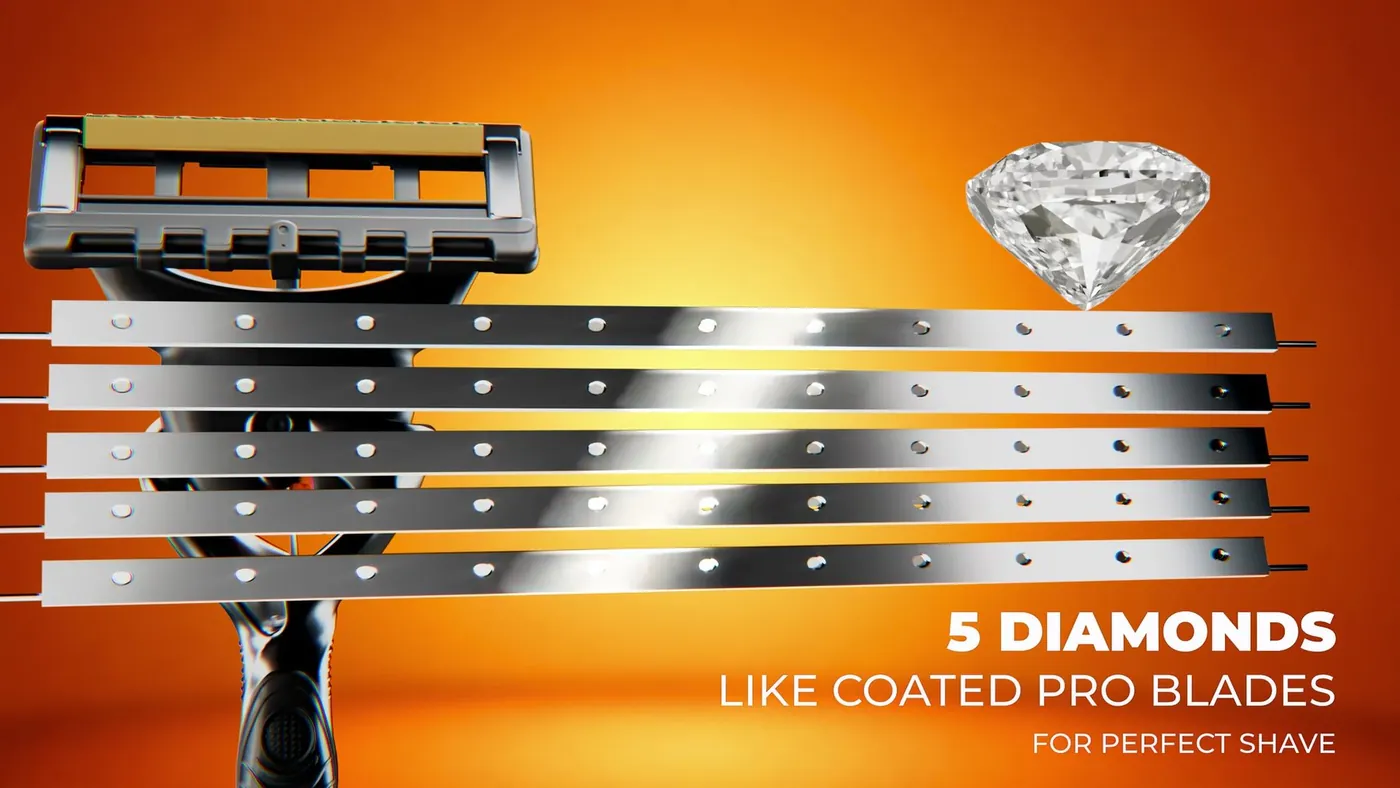
Macro 3D render of the Gillette Fusion 5 razor head Gillette Fusion 5 — Product Film3d product rendering — hero campaign loop
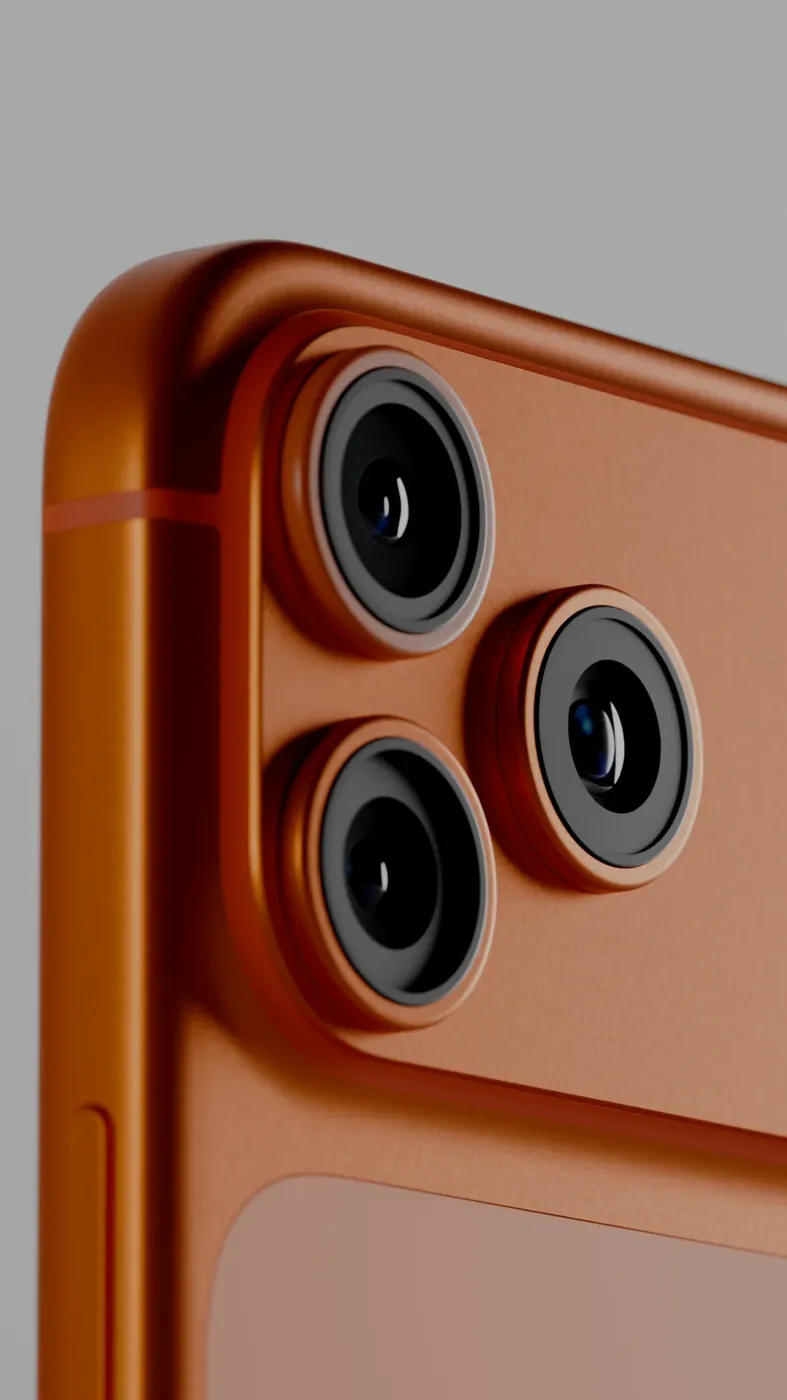
3D product render of a phone on an orange set Product Image RendersHero stills & packaging visualisation

What goes wrong in a quick conversion

A converter reads the mesh and writes it out again. That part works. What it cannot do is understand what the model was for. Render materials built from layered shaders have no equivalent in GLB, so they come out grey or black. A model built in centimetres opens a hundred times too big in a viewer that expects metres. A pivot left at the centre of the object makes a sofa float half-sunk in the AR floor. Textures stay linked to a folder on someone's computer and never arrive. Faces whose normals point inward vanish.

Each of these is fixed in the source before export, by someone looking at the model. Then the exported files are opened where they will be used.


What we convert from

Almost any model file can be a source. What matters is whether it carries materials and textures, and how heavy it is.

SourceWhat it usually carriesWhat we add or fix
FBX from a game or animation projectMesh, UVs, PBR materialsScale, pivot, texture paths, compression
OBJMesh and UVs, simple materialsMaterials rebuilt as PBR, textures embedded
.blendEverything, in Blender's own materialsMaterials translated to the standard GLB and USDZ read
CAD exportExact shape, no UVs, no materials, often too heavyReduction, unwrapping, materials, scale and pivot
ScanDense mesh with a colour textureRetopology, then conversion

The USDZ side

USDZ is stricter than GLB. Quick Look on an iPhone expects a single file with the textures inside it, materials described in the standard PBR way, and dimensions in metres so the object appears at true size. A GLB that works in a browser can still fail on an iPhone, or open at the wrong size, or lose a material.

So we do not convert a GLB into a USDZ; we export both from the cleaned source model, and we open the USDZ on an iPhone to check that it places and sizes correctly. If your platform converts to USDZ itself, we supply the GLB built to its requirements instead.

How conversion is priced

Conversion is quoted per model, and per set for a catalogue, with the GLB and the USDZ counted together as one. The price depends on the source. A clean FBX with PBR materials is quick. A render model whose materials must be rebuilt, or a CAD export that has to be reduced and unwrapped first, is more work, and the reduction is quoted as its own line so you can see it. Texture resizing and compression are included. The quote lists each model, what will be fixed, the formats and the schedule.

If a platform specification sets hard limits on size and polygons, see AR-ready 3D models, which builds to that document.

When conversion is enough, and when it is not

If your model is accurate, carries its materials and is light enough for a phone, conversion is all you need and it is a small job. If it is a heavy CAD export or a render model, conversion alone will give you a file that opens slowly and looks wrong; it needs optimisation first, and we quote both together. If you have no model at all, the starting point is 3D product modelling.

How it runs

  1. 01

    Send the file

    FBX, OBJ, .blend, CAD or a scan, with its textures, and say where the GLB and USDZ will be used.

  2. 02

    Inspect

    We check scale, unit, pivot, materials, textures, normals and weight, and tell you what needs fixing.

  3. 03

    Fix in the source

    Scale, pivot and materials are corrected; textures are embedded and sized; heavy models are reduced if agreed.

  4. 04

    Export both

    GLB and USDZ are exported from the same cleaned model, with Draco on the GLB where accepted.

  5. 05

    Open and deliver

    Both files are opened in a browser, on an iPhone and on an Android phone, then delivered.

Questions

How much does GLB and USDZ conversion cost?

Per model, with both files counted as one. A clean FBX with PBR materials is a small job; a render model whose materials must be rebuilt, or CAD that must be reduced first, costs more, and the reduction is shown as its own line. Send a file for a quote.

Can you convert FBX to GLB and USDZ?

Yes. FBX is the most common source. We check scale, pivot and texture paths, embed and size the textures, export both files from the cleaned model and open them on both kinds of phone.

Why does my converted USDZ look different from the GLB?

Usually because the two were made by different converters, or the GLB was converted into the USDZ. Materials and units translate differently. We export both from one cleaned source, so they match.

Can you convert a CAD file to GLB?

Yes, with extra work. CAD has no UVs or materials and is usually far too heavy for a phone, so it is reduced, unwrapped and textured first, then exported. The reduction is quoted separately.

Will the model be at the right size in AR?

Yes, if we know the real dimensions. We correct the unit and set the pivot at the base so the object stands on the floor at true scale in Quick Look and Scene Viewer.

Do you compress the GLB?

Yes, with Draco where the viewer or platform accepts it, and we resize textures for a phone. If the platform does not accept Draco, we deliver an uncompressed GLB sized as small as the model allows.

Can you convert GLB back to FBX for our engine?

Yes. The same inspection applies: scale, pivot, materials and textures are checked and the FBX is imported into the engine you name, as on our Unity and Unreal page.

Keep going

Get in touch

Send the model file and say where the GLB and USDZ will be used. We inspect it and reply with a quote per model.

Clients

Developers, brands and studios we have made work for.

  • Piramal NextGen
  • Raymond
  • Clinique
  • Delta Corp
  • Gillette
  • Piramal Peninsula
  • JM Group
  • The G Story
  • Empire Living
  • Engage
  • Arch Sterix, Nigeria
  • The Croffle Guys
  • Bombay Design Lab
  • AND Design Co
  • QPC Group, Australia