

Guide Poly Count and LODs for Games
Back to top

Poly count and LODs for games setting a budget and choosing levels

Start a project

There is no right number of polygons. There is a budget for the platform and the scene, spent well or badly. This guide explains how the budget is set and how LODs stretch it.

Guide

A poly count is the number of triangles in a model. A game keeps it within a budget the platform can draw every frame. LODs are lighter copies the engine swaps in at distance, so the budget goes further. The right count depends on platform, distance and scene.

Buyers ask us for a number, and the honest answer is a method. This guide gives the method: what a triangle is and why it costs, what decides a budget, how it is shared across a scene, what LODs are and how many a prop needs, and what to write in a brief. It uses no figures as rules, because a count that is right for one game is wrong for the next. Every model in our library carries LOD1 and LOD2, and you can see the full model turning on the 3D modelling section.

In short

  • 01

    Triangles cost every frame

    Each triangle is drawn again every frame. A phone, a console and a PC can each draw a different number before the frame rate drops.

  • 02

    The budget is per scene, then per object

    The platform sets a total. The total is shared across everything on screen, so a crowded scene gives each object less.

  • 03

    Distance decides detail

    An object seen up close needs triangles in its silhouette. The same object across a level needs almost none.

  • 04

    LODs stretch the budget

    LOD0 is the full model, LOD1 and LOD2 are lighter copies. The engine swaps them as the camera moves away.

  • 05

    Textures carry the rest

    Bevels, seams and grain live in the normal map, so a low count still reads as the object.

  • 06

    Brief the platform and the distance

    Name the device, the viewing distance and the scene density, and a studio proposes counts per size class from that.

Seen in practice

Hard-surface products the studio has modelled in full detail; their game tiers are reduced from these with LODs.

American Tourister suitcase, frame from the 3D product film American Tourister — Suitcase3d product film — suitcase animation
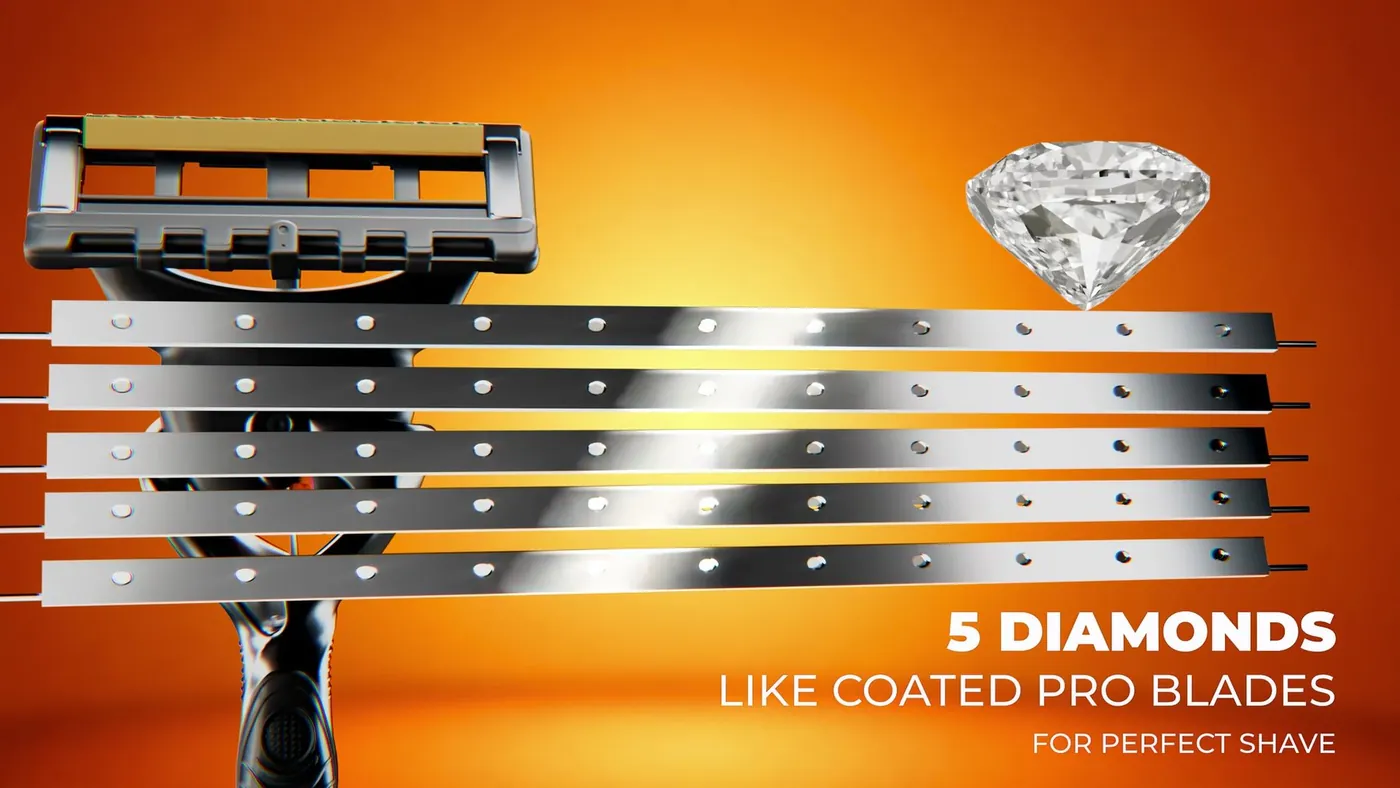
Macro 3D render of the Gillette Fusion 5 razor head Gillette Fusion 5 — Product Film3d product rendering — hero campaign loop

What a triangle is, and why it costs

A 3D model's surface is made of small flat faces. Modellers build them as four-sided quads because quads are easier to edit and reduce, and the engine splits each quad into two triangles on import, so counts are given in triangles. Every frame, the graphics chip has to work out where each triangle sits and how light falls on it. It can do this for a certain number of triangles in the time one frame allows. Go over, and the frame takes longer, which the player sees as stutter. The budget is that number, shared across all in view.


What decides the budget

Four things set how many triangles a scene and then an object can have. None of them is a property of the model itself, which is why the question has to start with the game rather than the asset.

FactorWhat it changes
PlatformA mid-range phone draws far fewer triangles per frame than a console or a gaming PC. VR draws every frame twice at a high frame rate, so it is tighter still
Frame rate targetA game aiming for a higher frame rate has less time per frame, so a smaller budget
Scene densityThe total is shared. A room with sixty props gives each one a smaller share than a room with a handful
Viewing distanceA hero prop the player holds needs a detailed silhouette; the same object across the room needs very little

How a budget is shared across a set

Once the scene total is known, a set of props is planned by size class. Large objects such as a sofa or a cart get the most, because their silhouette is on screen at a size where a flat edge shows. Medium objects get less, small objects less again, and clutter the least, because the eye never rests on it. A hero object the player picks up and turns is the exception and is budgeted on its own.

Setting counts by class, before modelling, is what stops one artist spending the budget on a lamp and leaving none for the table. The props and environment assets page describes the plan we write.

What LODs are

LOD stands for level of detail. LOD0 is the full game model. LOD1 is a lighter copy, LOD2 lighter again, each reduced from the one before so the silhouette and the textures match. The engine measures how large the object is on screen and draws the lightest copy that still looks right at that size. A cart filling the screen is drawn at LOD0; the same cart at the end of the street is drawn at LOD2 and costs a fraction.

Because most of a scene is at a distance most of the time, LODs are what let a level hold hundreds of props within one budget.

An LOD is a different thing from a detail tier. Our library models are built in three tiers, High, Mid and Low, for different uses; the game LODs sit under the Mid tier for distance.

How many levels to ask for

Most props need the base model and two lighter levels, which is what LOD1 and LOD2 mean. Small objects that the player only ever sees up close, such as a cup on a table, may need none. Large objects seen across a whole level, such as a building or a vehicle in an open area, may need more. The engine also has a setting to stop drawing an object altogether past a certain distance, which does the job of a final level for small things.

Ask the studio to suggest the chain and the switching distances for each size class, and to deliver LODs named and grouped so the engine detects them. Then check in the engine that the switch is invisible in normal play. If an object pops when it switches, the LOD was reduced too hard or the distance is wrong.

What to write in the brief

You do not need to supply a number per object. You need to supply the facts that let a studio propose one, and then approve the proposal.

  • Platform and frame rate target
  • Engine and version
  • The kind of scene: a single room, a street, an open area, and roughly how many objects are in view
  • Where each class of object is seen from: hand-held, room distance, across a level
  • Any budget your technical team has already set, per object or per scene
  • Whether lighting is baked, which decides if a lightmap UV set is needed
  • How you want LODs named and grouped

Where polygons are not the problem

Triangle count is often not what slows a scene. Too many separate materials on one object, each a separate draw call, can cost more than the triangles do. Textures at 4K on a prop that fills a hundred pixels of screen waste memory and loading time. Overlapping transparent surfaces, such as layered foliage or glass, are expensive at any count. A good set plan budgets all of these, which is why we agree texel density and material counts alongside triangles. The guide to what a game-ready model is lists the full set of checks.

Questions

How many polygons should a game model have?

There is no fixed number. It depends on the platform, the frame rate target, how many objects share the scene and how close the player gets. A studio proposes a count per object or per size class once it knows those, and you approve it.

What is a good poly count for a mobile game prop?

Lower than for PC or console, because a phone draws far fewer triangles per frame, and lower again if many props share the scene. Tell the studio the phone tier you target and the scene, and ask for counts by size class rather than one figure.

What is an LOD in games?

A level of detail: a lighter copy of a model that the engine draws when the object is far away or small on screen. LOD0 is the full model, LOD1 and LOD2 are lighter. They let a scene hold many objects within one budget.

How many LODs do I need?

LOD1 and LOD2 suit most props. Objects only ever seen up close may need none; very large objects seen across a level may need more. Ask for a suggested chain per size class and check the switching in the engine.

Do LODs change how the model looks?

Not in normal play, if they are made well. Each level keeps the silhouette and the textures of the one above and is only drawn when the object is small enough on screen for the difference to be invisible. A visible pop means a level is too light or switches too early.

Is poly count the same as polygon budget?

The poly count is what a model has. The budget is what it is allowed. A brief sets the budget; the delivered model's count, read in the engine, is checked against it.

What matters besides polygon count?

The number of separate materials, which decides draw calls; texture sizes, which decide memory and loading time; and transparent or overlapping surfaces, which are expensive at any count. A set plan budgets all of them together.

Keep going

Get in touch

Tell us the platform, the engine and the kind of scene. We reply with proposed counts by size class and a quote.

Clients

Developers, brands and studios we have made work for.

  • Piramal NextGen
  • Raymond
  • Clinique
  • Delta Corp
  • Gillette
  • Piramal Peninsula
  • JM Group
  • The G Story
  • Empire Living
  • Engage
  • Arch Sterix, Nigeria
  • The Croffle Guys
  • Bombay Design Lab
  • AND Design Co
  • QPC Group, Australia